Arriving at Orlando International Airport (MCO) for the first time? This guide explains the Terminal C arrival process, finding your hire car and planning the drive to your villa. Check your flight's terminal before travelling: the route through the airport depends on where you arrive and whether you have already cleared US entry formalities.
Updated 30 October 2026.
Orlando Airport arrival checklist
- Keep your passport, travel details and accommodation address handy.
- Follow the signs for your flight's baggage claim and, where required, US Customs and Immigration.
- After clearance, check you have every bag before leaving the arrivals area.
- Follow signs to your rental company's desk or the collection arrangements on your booking.
- Confirm how you will pay road tolls before leaving in the hire car.
- Load the route to your villa and check the arrival instructions from your host.
Arriving at MCO Terminal C
Terminal C uses a bags-first process for international arrivals requiring US entry clearance: collect your checked luggage before passport control, following staff instructions. After Customs and Immigration, you enter the public arrivals area on Level 6.
Check MCO's official terminal maps for your onward route. Terminal C's rental car counters are on Level 4. If your booking involves an off-airport company or a different collection point, follow that company's instructions.
Allow flexibility after landing. Aircraft arrival time is not the time you will leave the airport: walking, baggage, border checks and car collection all add to the journey. Avoid committing to a fixed collection time based on someone else's experience.
Can I use Mobile Passport Control at Orlando Airport?
Mobile Passport Control (MPC) is available only to eligible travellers. Do not assume that every first-time visitor or every ESTA holder qualifies. Check the current CBP eligibility and instructions before relying on it. The app does not replace your passport or required travel documents; follow the airport's current queue signs and staff directions.
Collecting your rental car at MCO
Keep your driving licence, booking confirmation and the payment card required by your rental company accessible. Check the company's own requirements before departure. At collection, confirm the vehicle, fuel arrangements, return location and any optional extras before leaving.
Before driving, adjust the seat and mirrors, inspect the car and familiarise yourself with its controls. Set up navigation while parked and keep your villa's address and host contact details available offline.
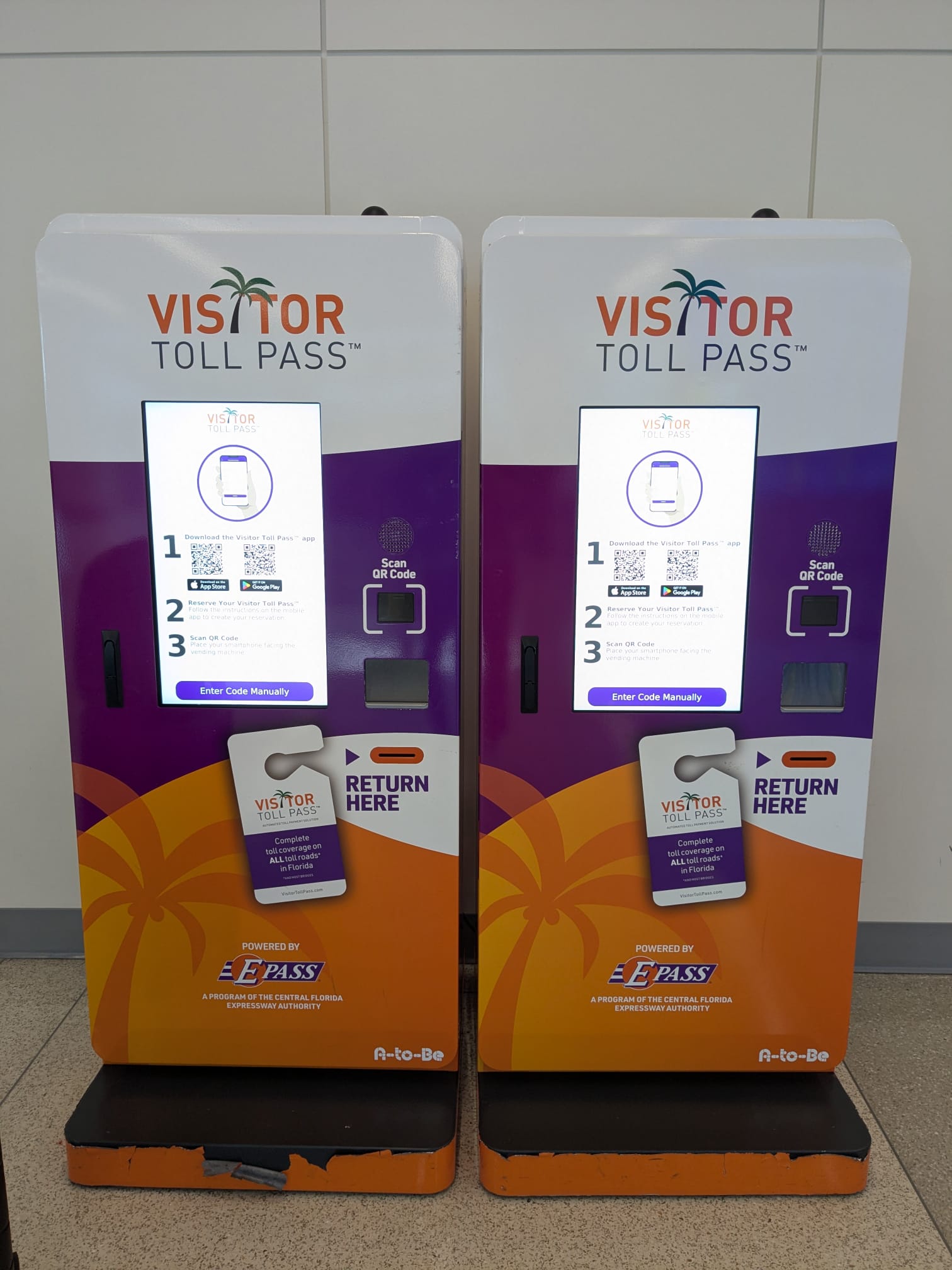
Visitor Toll Pass: check before you leave the airport
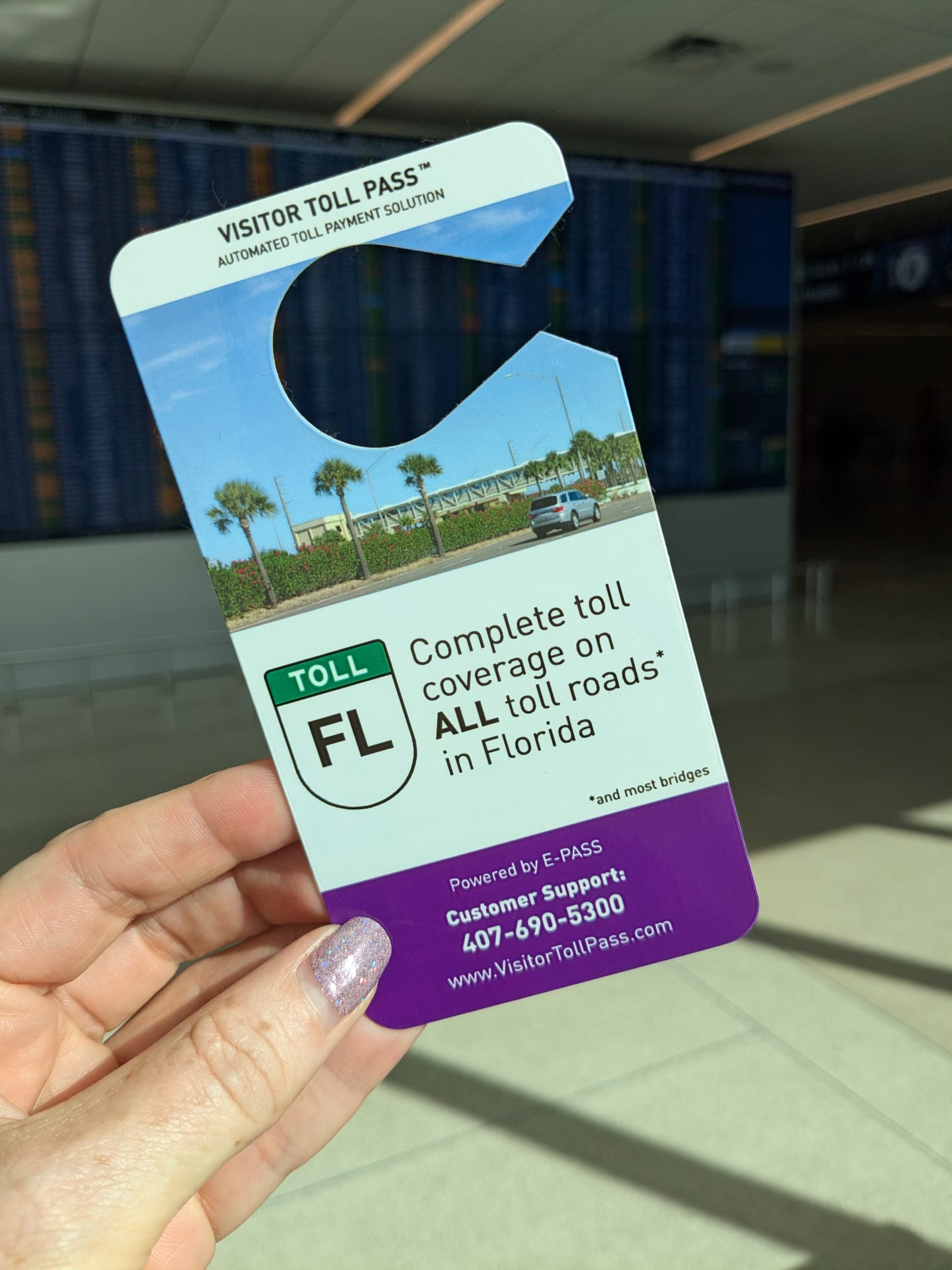
If you are collecting and returning a rental car at MCO, Visitor Toll Pass may be an option. Check that your rental company is supported and follow the official setup instructions. The pass has no usage fee when returned, but the tolls you use still cost money.
Read our Visitor Toll Pass collection, setup and return guide for terminal locations and the steps to follow. It includes the need to decline the rental company's toll programme when using the pass and to return the hangtag at the end of the trip.
Driving from Orlando Airport to your villa
Use the address supplied by your host rather than just the community name. Check live navigation, toll warnings and your accommodation's check-in instructions before departure. If you will drive without mobile data, download the relevant map area in advance; simply opening a route on Wi-Fi is not a substitute for an offline map. Offline navigation does not provide live traffic.
For airport-specific help, use MCO's international arrival guidance. Still planning your accommodation? Explore our Orlando villas and contact the owner or manager through the listing.